Caller Name Announcer for Android
Your phone rings. You are cooking, driving, exercising, or working with your hands. You cannot look at your screen. You have no idea who is calling. A Caller Name Announcer app solves this problem instantly. It reads the caller’s name aloud through your speaker the moment your phone rings. You know who is calling without touching your device.
This article covers how caller name announcer apps work, which ones perform best, how to set them up, and how to get the most out of them.
What Is a Caller Name Announcer?
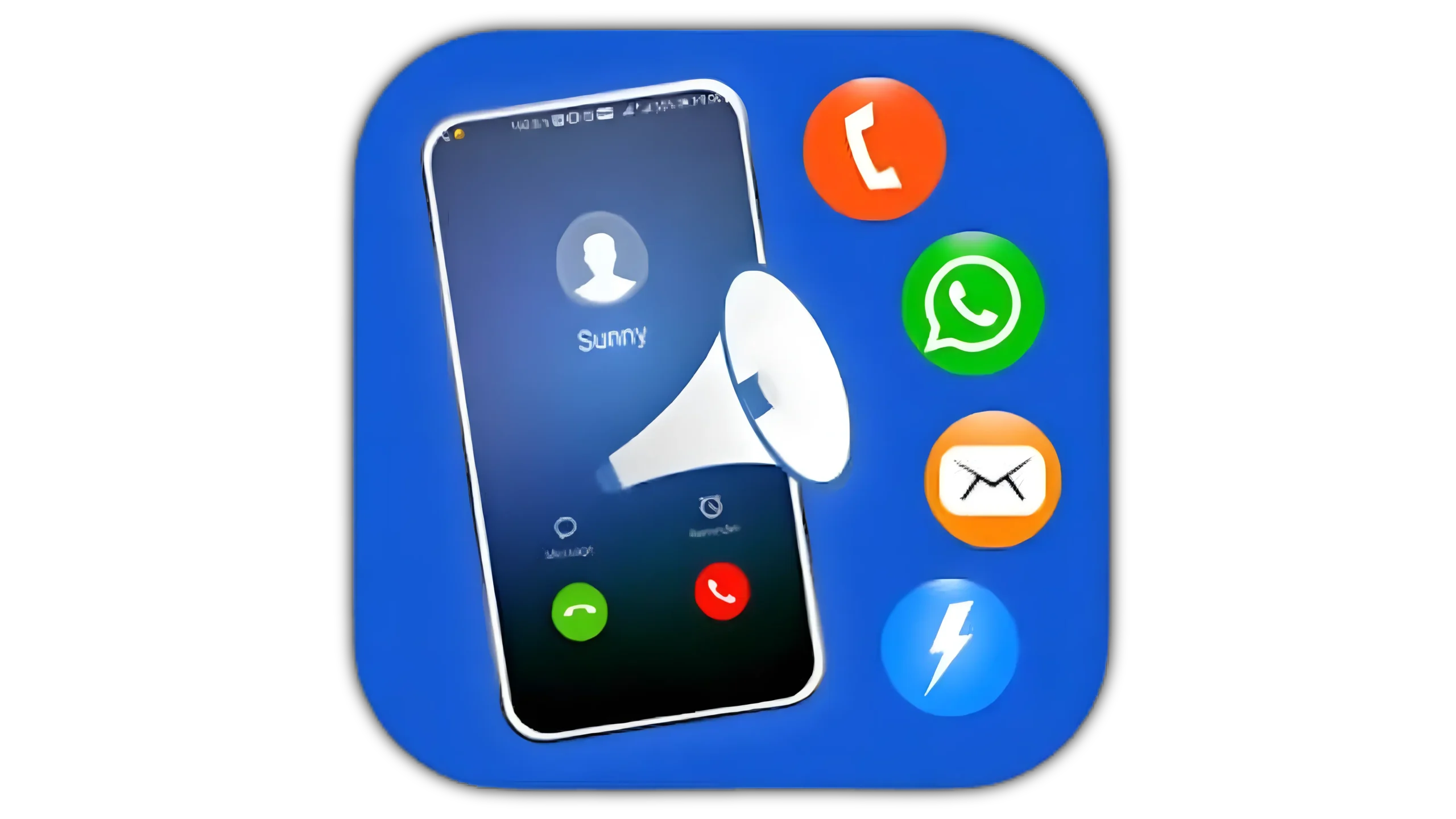
A Caller Name Announcer is an Android application that uses text-to-speech technology to read incoming caller names and numbers out loud. When someone calls you, the app pulls the caller’s name from your contacts or detects the number and speaks it through your phone’s speaker or connected earphones.
The app works in the background at all times. You do not need to open it each time you receive a call. It activates automatically when your phone rings.
People use these apps in specific situations:
- Driving when looking at a phone screen is dangerous or illegal
- Cooking or working with hands occupied
- Exercising with a phone in a pocket or armband
- Working in loud environments with earphones in
- People with visual impairments who need audio call identification
- Elderly users who struggle to read small screen text quickly
- Anyone who wants faster call screening without touching their phone
How Caller Name Announcer Apps Work
These apps use three core Android features working together.
First, they access your contacts list. When a call comes in, the app matches the incoming number against your stored contacts. If it finds a match, it reads the contact name aloud.
Second, they use Android’s text-to-speech engine. This engine converts the contact name or phone number into spoken audio. You hear the name through your speaker or earphones in a natural synthesized voice.
Third, they run as a background service. Android allows apps to register as call listeners. The app monitors incoming calls passively without draining significant battery. It activates only when a call arrives.
For unknown numbers not saved in your contacts, better apps identify the caller using reverse phone lookup databases. They speak the likely name or location associated with that number, giving you more information than just a string of digits.
Top Caller Name Announcer Apps for Android
1. Caller Name Announcer by Relaxio
One of the highest-rated caller name announcer apps on Google Play with over 10 million downloads. It announces caller names clearly and supports multiple languages. The app works with your contacts list and reads unknown numbers digit by digit. It integrates with your phone’s volume settings so announcements play at an appropriate level based on your current volume.
Key features:
- Announces caller name from contacts
- Reads unknown numbers aloud
- Multilingual text-to-speech support
- Works with earphones and Bluetooth devices
- Customizable announcement delay
- Available on Google Play Store; free with optional premium upgrade
2. Calls Announcer and SMS Reader
This app goes beyond calls. It announces both incoming calls and SMS messages. When a text arrives, it reads the sender name and message content aloud. This makes it useful for complete hands-free communication management in one app.
Key features:
- Incoming call name announcement
- SMS message reading aloud
- Notification reading for selected apps
- Works during music playback with auto-pause
- Bluetooth and wired earphone support
- Available on Google Play Store
3. Call Announcer: Caller ID Speaker
A focused, lightweight app dedicated entirely to call announcements. It reads caller names clearly with minimal setup. You install it, grant permissions, and it works immediately. The app includes a test button so you hear exactly how your name announcement sounds before your first real call.
Key features:
- Instant setup with minimal configuration
- Test announcement feature
- Adjustable speech rate and pitch
- Works with all earphone types
- Low battery consumption
- Available on Google Play Store
4. Loud Caller Name Announcer
Designed specifically for noisy environments. This app announces caller names at higher volumes than standard announcer apps. It includes an option to override your current volume setting and announce at maximum volume regardless of where you set your ringer. Useful in workshops, kitchens, gyms, or outdoor environments.
Key features:
- Override volume for loud environments
- Clear, loud speech output
- Caller name and number announcement
- Vibration sync with announcement
- Simple on/off toggle widget for home screen
- Available on Google Play Store
5. True Caller with Announcement Feature
Truecaller is primarily a caller identification app with a massive global database of phone numbers. Its announcement feature reads the identified caller name aloud, including names of unknown numbers identified from its database of over 300 million numbers. This makes it more powerful than standard contact-only announcers for identifying spam and unknown callers.
Key features:
- Caller name announcement from contacts and database
- Spam caller identification and announcement
- SMS announcement support
- Call recording on supported devices
- Over 300 million number database
- Available on Google Play Store; free with optional premium plan
6. Mi Caller Name Announcer
A lightweight option that focuses on speed and accuracy. The app announces caller names with minimal delay after the first ring. It supports multiple voice options and languages. Works reliably on most Android versions including older devices running Android 5 and above.
Key features:
- Fast announcement with minimal delay
- Multiple voice and language options
- Works on Android 5 and above
- Minimal storage and RAM usage
- Available on Google Play Store
How to Set Up a Caller Name Announcer App
This setup uses Caller Name Announcer by Relaxio as the example.
Step 1: Download and Install
Open Google Play Store. Search for “Caller Name Announcer by Relaxio.” Tap Install. Open the app after installation completes.
Step 2: Grant Permissions
The app asks for several permissions on first launch:
- Phone permission to detect incoming calls
- Contacts permission to read your contacts list
- Notification access for announcing calls
- Accessibility service on some versions
Grant all required permissions. Without phone and contacts permissions, the app cannot function.
Step 3: Configure Your Announcement Settings
Inside the app, go to Settings and adjust:
- Speech rate: slower for clarity, faster for brief announcements
- Pitch: adjust to a comfortable listening level
- Announcement delay: set how many seconds after the ring the announcement plays
- Repeat announcement: choose whether the name repeats on each ring or plays once
Step 4: Set Volume Behavior
Choose how the app handles volume. Options typically include:
- Use current ringer volume
- Always announce at a fixed volume level
- Reduce media volume during announcement then restore it
Select the option that fits your primary use case.
Step 5: Enable Bluetooth and Earphone Output
If you use Bluetooth earphones or a car Bluetooth system, go to Output Settings. Enable Bluetooth output. The app routes announcements through your connected audio device instead of the phone speaker.
Step 6: Test the Announcement
Most apps include a test button. Tap it to hear a sample announcement. Adjust speech rate, pitch, and volume until it sounds clear and natural. This prevents surprises during your first real incoming call.
Step 7: Whitelist From Battery Optimization
Go to Settings on your phone. Tap Battery. Tap Battery Optimization. Find your caller announcer app and select “Don’t Optimize.” This prevents Android from stopping the background service before a call arrives.
Advanced Tips for Better Performance
Use With Bluetooth Car Systems
Connect your phone to your car’s Bluetooth audio system. Set the app to output through Bluetooth. Your car speakers announce the caller name when your phone rings. You keep both hands on the wheel and both eyes on the road.
Combine With Do Not Disturb Exceptions
Set up Do Not Disturb mode on your phone with exceptions for specific contacts. Pair this with your caller announcer so only priority contacts trigger announcements during meetings or sleep hours.
Create Descriptive Contact Names
The app reads exactly what your contacts list says. Name contacts clearly. Use “Work Doctor” instead of “Dr. Smith” if that identification helps you make faster decisions about answering. Use “Mum Mobile” instead of just “Mum” if you have multiple numbers for the same person.
Enable SMS Announcement Selectively
If your app supports SMS reading, enable it only for primary contacts. Having every SMS read aloud becomes disruptive quickly. Limit SMS announcements to family and close colleagues.
Permissions These Apps Require
Understanding what each permission does helps you make informed choices:
- Phone: Detects incoming and outgoing calls; required for core functionality
- Contacts: Reads your contact names for matching against incoming numbers
- Notification Access: Announces notifications from other apps if that feature is enabled
- Accessibility Service: Required by some apps to detect call screens on newer Android versions
- Bluetooth: Routes announcement audio to connected Bluetooth devices
Revoke notification access if you only want call announcements and not message reading.
Who Benefits Most From These Apps
Caller Name Announcer apps deliver the highest value to:
- Drivers who need hands-free call screening
- People with physical conditions affecting screen use
- Users with visual impairments needing audio feedback
- Anyone in high-activity situations where screen checking is impractical
- Elderly users who benefit from audio identification over small text
Conclusion
A Caller Name Announcer app costs nothing to download and takes under three minutes to set up. It removes a daily friction point from your phone use. You screen calls faster, answer more confidently, and stay safer while doing other tasks.
Download Caller Name Announcer by Relaxio or Truecaller from Google Play Store. Grant the required permissions. Set your volume and speech preferences. Whitelist the app from battery optimization. Your phone handles caller identification for you from that point forward.